

The point of sale built for your counter
Zayne POS Desktop is a fast, full-featured Windows app for retail and wholesale checkout, from the first scan to the end-of-day register report.
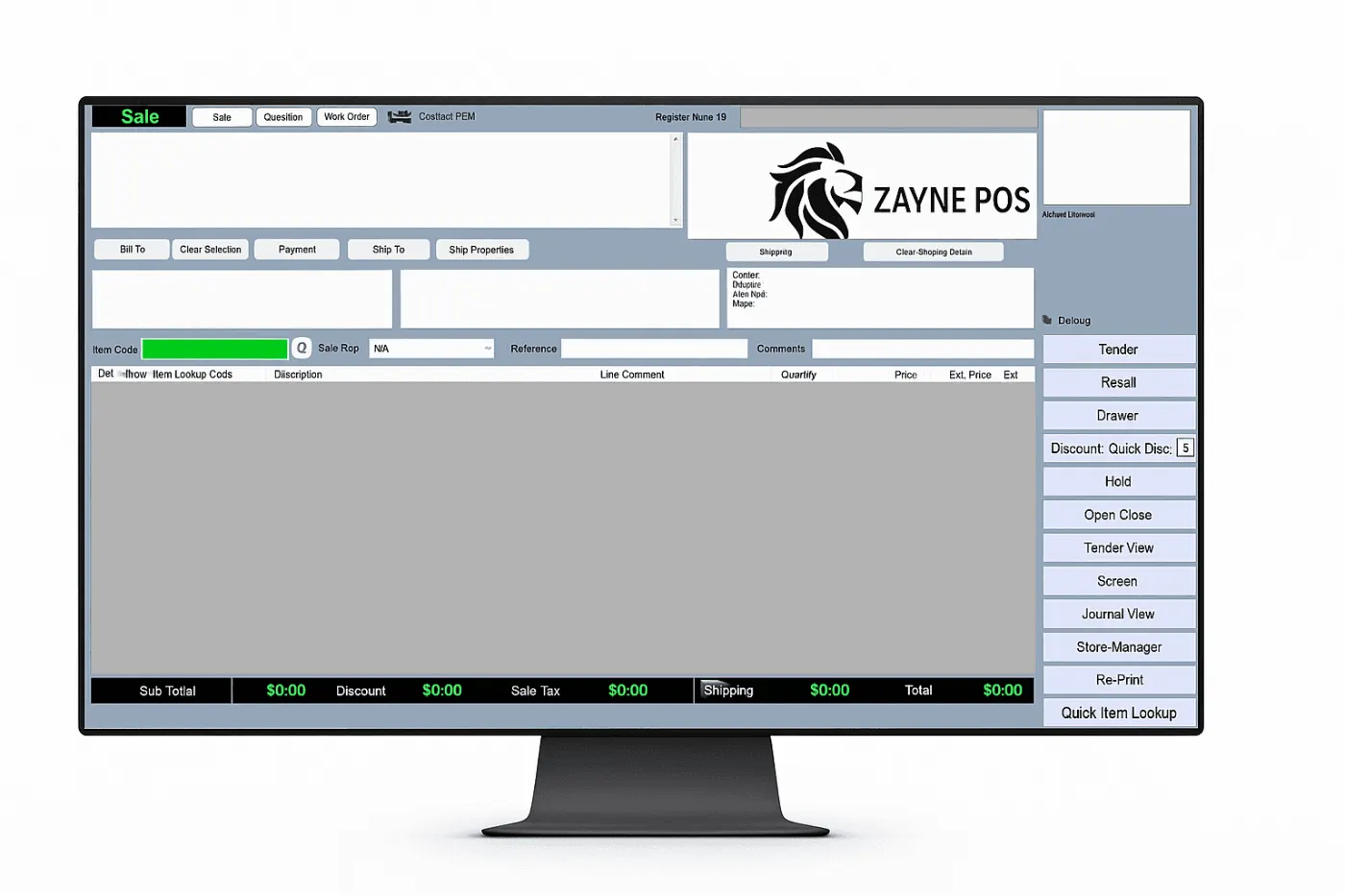
Cashiers can scan items, apply discounts, and complete transactions in just a few taps. The interface is intuitive and customizable to fit your exact workflow.
- Process sales in under 10 seconds.
- Accept cash, check, card and customer-account payments.
- Auto-print receipts and manage returns effortlessly.
- Access daily reports right from the POS.
Everything a busy counter needs
One app covers the sale, the customer, the payment and the cash drawer.
Sales and checkout
Pick a customer, add items, change quantities, apply discounts and finish the sale. Hold a transaction and recall it later.
Quotes, orders and work orders
Create quotes and work orders, take deposits, and let customers pick up partial work orders when part of the order is ready.
Returns and refunds
Recall the original transaction, choose the items to return and pick a reason code. Card refunds are limited to what the original payment allows.
Discounts and pricing
Percentage or dollar discounts on one item or the whole sale, price levels, quantity-tier prices and prices set per customer. Changing a price is permission-controlled.
Flexible tenders
Cash, check, ACH, credit card and customer account, alone or split across several. Partial card approvals are handled for you.
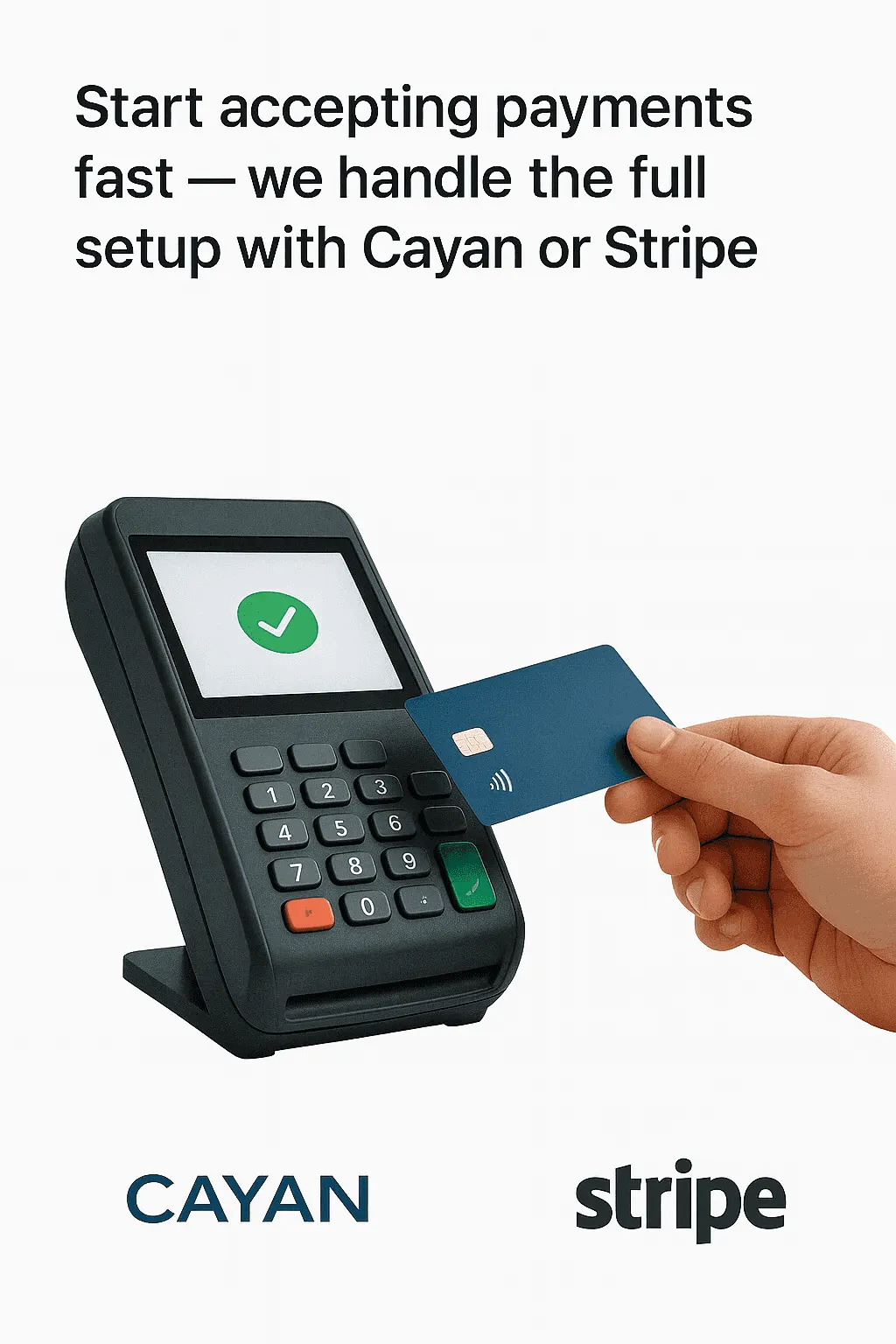
Card payments with Cayan or Stripe
Send the sale to the card terminal, with clear messages on screen for declines, a busy terminal and time-outs. Signature capture is built in.
Customer accounts
Credit limits, balances and available credit. Take account payments and apply them to invoices. Keep authorized buyers, emails and ship-to addresses.
Shipping and delivery
Choose a carrier, add a shipping charge, pick a ship-to address and keep tracking notes with the transaction.
Items and suppliers
Item records with cost, price levels, tier pricing, commissions and supplier cost lines, plus supplier records and item messages.
Cash drawer and register control
Drawer drops and payouts, register closeout, tender and register reports, a journal of transactions and a sales graph.
Receipts, reprints and email
Reprint any transaction and email receipts and invoices to your customers straight from the register.
Security and control
User sign-in with register selection, a lock screen, permissions for sensitive actions and encrypted settings on the PC.
Works with the hardware at your counter
Plug in the devices you already use and keep the line moving.
- Cayan card terminal for tap, chip and swipe
- Customer-facing line display that shows the sale as you ring it
- Receipt printing and cash drawer
- Webcam capture for payment photos
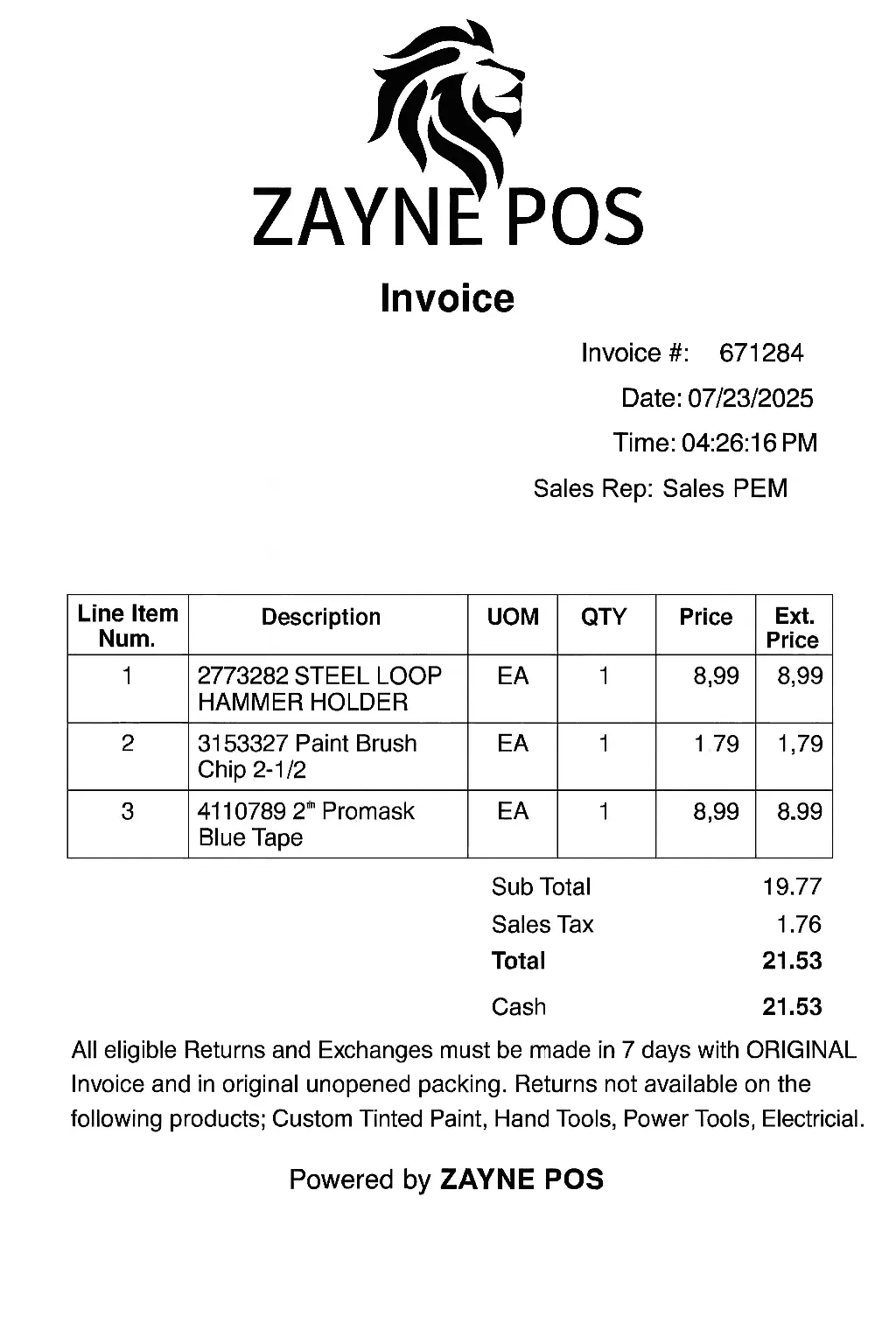
Professional invoicing made easy
Automatically generate clean, branded invoices with tax, discount, and item-level detail, perfect for retail and wholesale operations.

ZAYNE POS connects directly with top-tier distributors like Orgill, Emery Jensen, and Benjamin Moore, so product catalogs, pricing and inventory stay up to date without manual work.
What you need
- Windows 10 (version 2004) or Windows 11, 64-bit
- A ZayneSoft account for your store. We set up your company and registers with you.
- Optional: a Cayan card terminal, receipt printer, cash drawer and customer display
See Zayne POS in action
Book a demo and we will walk through a sale, a quote and a return with your own products.